What Is HLS Streaming? HTTP Live Streaming Explained
HLS, short for HTTP Live Streaming, is a way to deliver video over the web by cutting it into short files called segments and listing them in a text playlist with the .m3u8 extension. The player downloads the playlist, then fetches the segments one after another over ordinary HTTP. Because the same video is usually offered at several quality levels, the player can switch to a lower one when the viewer's connection slows down instead of stopping to buffer.
Apple introduced HLS in 2009, and the IETF published it as RFC 8216 in 2017.
How HLS works
An HLS stream has three parts:
| Part | What it is |
|---|---|
| Segments | Short pieces of the video, usually a few seconds each, stored as .ts or fragmented MP4 (.m4s) files |
| Media playlist | An .m3u8 text file that lists the segments of one quality level, in order |
| Multivariant playlist | An .m3u8 file that lists the media playlists, one per quality level (also called the master playlist) |
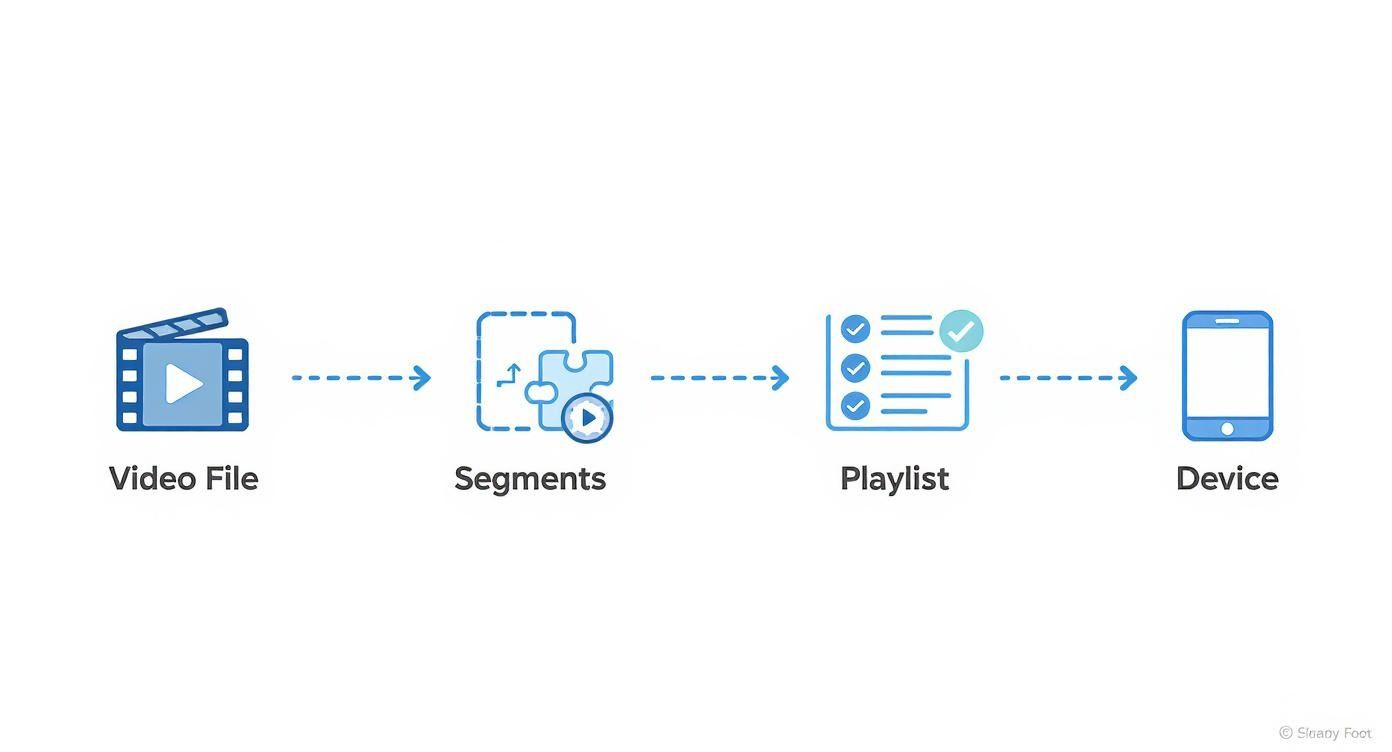
Here is a real media playlist for a short on-demand video. EXT-X-TARGETDURATION is the longest segment length in seconds, each EXTINF line gives the length of the segment below it, and EXT-X-ENDLIST says no more segments are coming:
#EXTM3U
#EXT-X-VERSION:3
#EXT-X-TARGETDURATION:6
#EXT-X-MEDIA-SEQUENCE:0
#EXT-X-PLAYLIST-TYPE:VOD
#EXTINF:6.000000,
segment000.ts
#EXTINF:6.000000,
segment001.ts
#EXT-X-ENDLIST
A live playlist has no EXT-X-ENDLIST. The server keeps adding new segments at the bottom and removing old ones at the top, and the player reloads the playlist every few seconds to find them.
Apple's authoring specification recommends 6-second segments and says each video segment must start with a keyframe (a complete picture). That is one reason live platforms ask encoders for a keyframe every 2 seconds: the segmenter can then cut clean segments at regular points.
Adaptive bitrate: why HLS rarely buffers
The multivariant playlist is what makes HLS adaptive. Each entry points to the same video encoded at a different resolution and bitrate. This set of versions is called the bitrate ladder. Apple's specification gives this example ladder for 16:9 H.264 video (bitrates in kbps):
| Resolution | Bitrate |
|---|---|
| 1920 × 1080 | 7,800 or 6,000 |
| 1280 × 720 | 4,500 or 3,000 |
| 960 × 540 | 2,000 |
| 768 × 432 | 1,100 or 730 |
| 640 × 360 | 365 |
| 416 × 234 | 145 |
The player starts with one version, measures how fast segments arrive, and picks a higher or lower rung for the next segment. The switch happens at a segment boundary, so the picture changes sharpness but playback does not stop.
A ladder only helps if it has low rungs. A stream offered only at 1080p has nothing to fall back to, and viewers on mobile data will buffer. The bitrate guide explains how bitrate, resolution and frame rate relate.
Why HLS has a delay
HLS trades speed for reliability. Before a live frame reaches a viewer, it has to be encoded, collected into a segment, listed in the playlist and downloaded. The HLS specification also tells players not to start closer than three target durations from the end of a live playlist. With 6-second segments, that alone puts a viewer about 18 seconds or more behind the live moment.
For a lecture, a webinar or a premiere of a recorded video, that delay does not matter. For an auction, a video call or anything with two-way conversation, it does.
Low-Latency HLS, an extension Apple added in 2019, publishes partial segments so players can stay much closer to the live edge. It needs support on the server, the CDN and the player.
HLS compared with other protocols
| Protocol | Main job | Delay |
|---|---|---|
| HLS | Delivering video to viewers at scale | Several seconds to 30+ seconds; lower with Low-Latency HLS |
| MPEG-DASH | Same job as HLS; an open ISO standard | Similar to HLS |
| RTMP / RTMPS | Sending a stream from an encoder to a platform (ingest) | A few seconds |
| WebRTC | Real-time calls and interactive video | Under a second |
In practice these protocols work together. Your encoder or streaming service sends the stream to YouTube, Facebook, Twitch or LinkedIn over RTMP or RTMPS; all four accept RTMP-based ingest. The platform then transcodes it into a bitrate ladder and delivers it to viewers with HLS or DASH. You choose the ingest settings; the platform handles delivery.
Where HLS plays
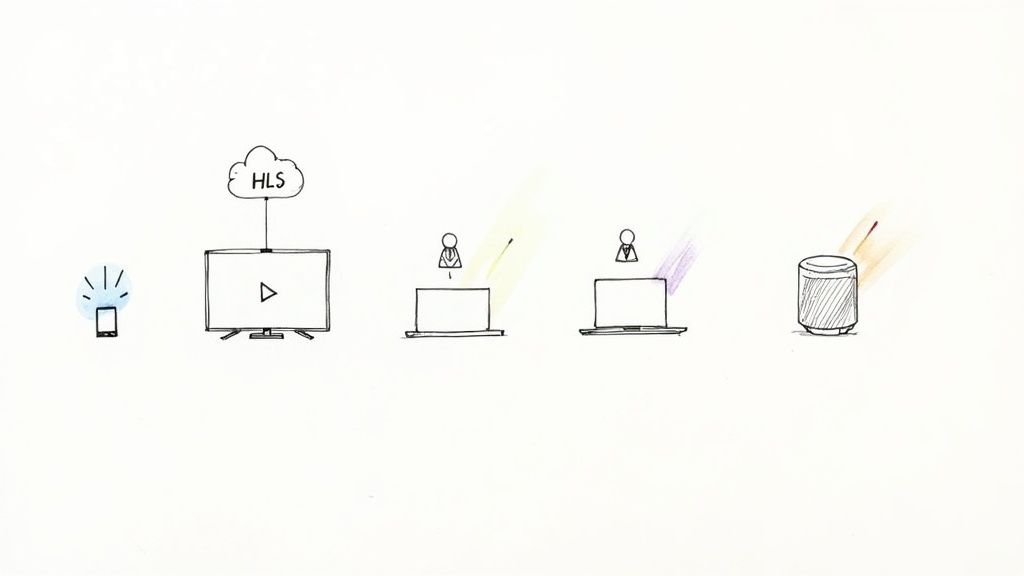
- Apple devices. Safari on iPhone, iPad and Mac plays HLS natively.
- Android. The standard Android media player libraries support HLS.
- Browsers. Websites often use a JavaScript player such as hls.js, which plays HLS in modern browsers.
- Smart TVs and streaming boxes. Most TV platforms support HLS.
- Audio. HLS works for audio-only streams too, such as internet radio.
Because segments are ordinary files served over HTTP, any web server or CDN can deliver them. No special streaming server is needed for playback.
Test an HLS stream
Paste any .m3u8 URL into the HLS player and stream checker. It plays the stream in your browser and shows the bitrate ladder, the rung playing now, buffer health, dropped frames and how far behind live you are. If the stream will not play, it tells you which common cause it is.
The most common cause is CORS. A browser player fetches segments with JavaScript, and the browser discards the response unless the server sends a header that allows it. That is why a stream can play in VLC and fail on a web page.
Make an HLS stream from a video file
With FFmpeg you can turn an MP4 into HLS segments and a playlist. This command was tested with FFmpeg 7:
ffmpeg -i input.mp4 -c:v libx264 -crf 20 -pix_fmt yuv420p -g 60 -keyint_min 60 -sc_threshold 0 -c:a aac -b:a 128k -f hls -hls_time 6 -hls_playlist_type vod -hls_segment_filename "segment%03d.ts" index.m3u8
The -g 60 options put a keyframe every 2 seconds at 30 fps, so FFmpeg can cut segments at exactly 6 seconds. Serve the folder from a web server and open index.m3u8 in the HLS player to check it.
This makes a single-quality stream. A full ladder needs one encode per rung and a multivariant playlist, which most people leave to a platform or a video hosting service.
HLS and pre-recorded live streams
When you stream a recorded video as a live event, you do not need to create HLS files yourself. You upload the video to a cloud service such as Pre-recorded Live Stream, pick a start time, and at that time the service sends the video to YouTube, Facebook or another platform as a live stream. The platform builds the ladder and delivers HLS to every viewer, the same way it does for a camera stream.
Your part is the source file: H.264 video at the resolution you plan to stream, a steady frame rate and good audio. The video pre-flight checker confirms those before you schedule, and what video encoding is explains the settings behind them.
Common questions
Is HLS only for Apple devices?
No. Apple created it, but it is now an open specification (RFC 8216) and plays on Android, Windows, smart TVs and in browsers.
What is an M3U8 file?
It is the HLS playlist: a plain text file that lists segments or other playlists. You can open one in any text editor. The M3U8 file does not contain video itself.
Is HLS better than RTMP?
They do different jobs. RTMP carries the stream from your encoder to the platform. HLS carries it from the platform to viewers. Most live streams use both.