What Is Video Encoding? Codecs, Containers and Bitrate
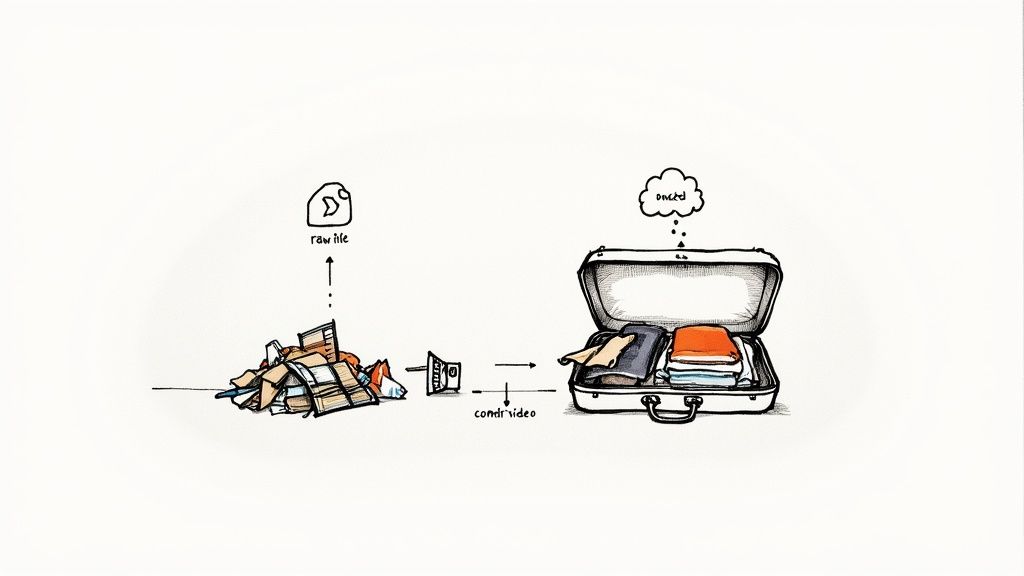
Video encoding is the process of compressing raw video into a much smaller stream of data with a codec, such as H.264, so it can be stored, uploaded and streamed. The encoder removes detail that viewers are unlikely to notice and stores most frames as changes from the frames before them. A player on the viewer's device decodes that data back into pictures.
Every video you export, upload or stream has been encoded at least once. This guide explains what happens inside an encoder, how codecs and containers differ, and which settings matter when you prepare a video for a live stream.
Why video has to be encoded
Uncompressed video is enormous. One 1080p frame has 2,073,600 pixels. In the 8-bit 4:2:0 format that cameras and editors use, each frame takes about 3.1 MB. At 30 frames per second that is about 93 MB every second, or roughly 750 Mbps.
A 1080p live stream on YouTube or Facebook runs at 4 to 12 Mbps. Encoding makes the video 60 to 190 times smaller, and an hour of 1080p30 goes from about 336 GB to a few gigabytes.
How an encoder compresses video
Encoders for H.264, H.265 and AV1 use the same three ideas.
1. Compress each picture. The encoder splits a frame into small blocks and converts each block into frequency values with a mathematical transform. Fine texture ends up in the high-frequency values. The encoder then rounds those values, which is called quantization. Coarse rounding saves more data and removes more detail. This single step is where most of the quality you gain or lose is decided.
2. Reuse what did not change. In a talking-head video, the wall behind the speaker is the same in every frame. The encoder does not store it again. It stores motion vectors ("this block moved 4 pixels left") and the small difference that is left over. Frames come in three types:
- I-frames (keyframes) are complete pictures. A player can start decoding from one.
- P-frames store changes from earlier frames.
- B-frames store changes from frames before and after them.
The keyframe interval is how often an I-frame appears. A player can only start at a keyframe, so live platforms ask for one every 2 seconds.
3. Pack the result tightly. A final lossless stage (entropy coding) stores the numbers in as few bits as possible.
Lossy and lossless
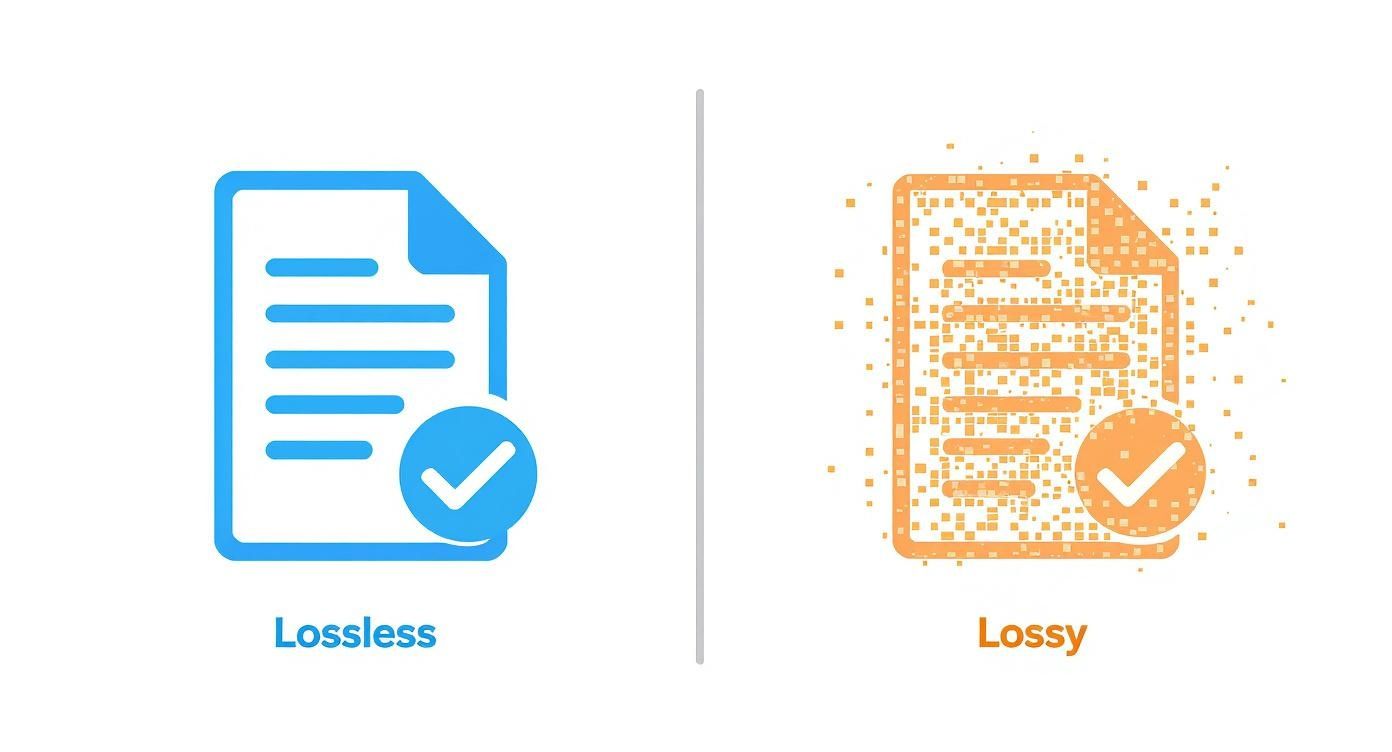
Lossless encoding keeps every pixel, so the decoded video matches the source exactly. The files stay very large, so it is used for editing masters and archives. Streaming and web video are lossy: the quantization step throws data away for good. A well-encoded lossy video still looks like the source to most viewers, but each new encode removes a little more, so export once from your master file rather than re-encoding copies.
Codecs and containers
A codec is the compression method. A container is the file that holds the compressed video, the audio and metadata together. The file extension names the container, not the codec.
| Codec | Released | Where it is used |
|---|---|---|
| H.264 (AVC) | 2003 | The default for web video and live streaming. Every major platform accepts it. |
| H.265 (HEVC) | 2013 | Smaller files than H.264 at the same quality. Common on phones; browser support is uneven. |
| VP9 | 2013 | Open codec from Google, used by YouTube for playback. |
| AV1 | 2018 | Open codec with higher compression than H.264. YouTube accepts it for live streams. |
For live ingest, YouTube accepts H.264, H.265 and AV1. Facebook's live requirements accept H.264 only, and LinkedIn asks for H.264. That is why H.264 is still the safe choice for a video you will stream to more than one place.
Common containers:
- MP4. Plays almost everywhere. The usual choice for H.264 with AAC audio.
- MOV. Apple's format, common from cameras and editors.
- MKV. Flexible, holds many audio and subtitle tracks. Less common for delivery.
- WebM. Built for the web, holds VP9 or AV1 with Opus audio.
Changing only the container is called remuxing. It copies the tracks without re-encoding and takes seconds. The MP4 to H.264 guide has the commands for both remuxing and full conversion.
Bitrate, resolution and frame rate
These three settings decide how much work the encoder has to do.
- Resolution is the number of pixels per frame. 1080p has 2.25 times the pixels of 720p.
- Frame rate is the number of frames per second. 60 fps has twice the frames of 30 fps.
- Bitrate is the amount of data per second the encoder may use to describe them.
Raise the resolution or frame rate without raising the bitrate, and the encoder has to quantize harder, so you see blocks and smearing. A 1080p video at too low a bitrate can look worse than a 720p video at a sufficient one. The bitrate guide lists the numbers each platform recommends.
The encoder can spend its bitrate in three ways:
| Mode | How it works | Use it for |
|---|---|---|
| CBR (constant bitrate) | Same data rate every second | Live streams. YouTube, Facebook and Twitch ask for it. |
| VBR (variable bitrate) | More data for complex scenes, less for simple ones | Files, when you need a predictable size |
| CRF or RF (constant quality) | Holds a quality level and lets the size vary | Exporting a master file |
Encoding, transcoding and remuxing
- Encoding turns raw frames into compressed video. Your editor does this when you export.
- Transcoding decodes an encoded video and encodes it again with different settings. A streaming service does this when it turns your upload into a live stream, and platforms do it when they create lower-quality versions for slow connections.
- Remuxing moves the same encoded tracks into a different container. Nothing is re-encoded.
Transcoding is also how adaptive streaming works: the platform encodes several versions at different bitrates, and the player switches between them as the viewer's connection changes. How HLS streaming works explains the delivery side.
Software and hardware encoders
A software encoder such as x264 runs on the CPU. It is flexible and gives good quality per bit, but it is slow at its better presets. A hardware encoder, such as NVIDIA NVENC, Intel Quick Sync or Apple VideoToolbox, uses a dedicated chip and leaves the CPU free. Twitch's broadcasting guidelines say NVENC on NVIDIA's RTX 20-series cards usually matches x264 at its medium preset.
For a live camera stream, the encoder runs in real time on your computer, so speed matters. For a pre-recorded video, the export can take as long as it needs, so you can use a slower, better preset.
How to encode a video for a pre-recorded live stream
When you stream a finished video, it is encoded twice: once when you export it, and once when the streaming tool transcodes it for the platform. Give the second step the best source you can.
- Export from your editor as MP4 with H.264 video, at the resolution you will stream (usually 1080p) and at the frame rate you recorded.
- Choose constant quality (CRF or RF 18 to 22) or a high bitrate, not the lowest setting that looks acceptable. Quality lost at export cannot come back.
- Use AAC audio at 48 kHz, 128 to 192 kbps.
- Check the file in the video pre-flight checker. It shows the codec, profile, level and bitrate without uploading anything.
- Upload and schedule. A cloud service such as Pre-recorded Live Stream transcodes the file on its servers and sends it to each platform as a live stream at the time you pick. Your computer can be off during the event.
Common questions
Which codec should I use for streaming?
H.264. It is the one codec that YouTube, Facebook, Twitch and LinkedIn all take for live streams. Use H.265 or AV1 only if you stream to a single platform that accepts them and your tools support them.
Does encoding reduce quality?
Lossy encoding always removes some data. At good settings the loss is hard to see. The damage comes from encoding the same video many times, or from a bitrate that is too low for the resolution.
What is the difference between a codec and an encoder?
The codec is the standard, for example H.264. The encoder is the software or chip that produces video in that standard, for example x264 or NVENC. Two encoders can produce different quality at the same bitrate.